The DaoAI ACI OS — Some defects are specific to your product and need a custom inspection model. Train your own model offline, directly on the machine.
Model training is how DaoAI's (微链道爱) ACI OS adds a dedicated model for defects unique to your product: trained on your own defect images, with training data and images never leaving the plant. Its boundary with auto-programming: auto-programming learns what normal looks like from good samples; model training learns what one class of abnormality looks like from your defect images; the two stack.
1,000,000+
Real production images It starts from our visual foundation model, trained on over a million real production images.
It starts from our visual foundation model, trained on over a million real production images.
You train the model yourself.
Built-in model training Collect images, label examples and train your model—all within the DaoAI inspection software, with no cloud upload required.
Collect images, label examples and train your model—all within the DaoAI inspection software, with no cloud upload required.
Train a model in five steps.
01 Add to the dataset One click on any inspected region, or a whole product at once, puts the images into the dataset. Feedback from the review screen lands there too.
02 Label OK or NG Label each image as OK or NG. The software tracks unlabelled images so you can pause and resume later.
03 Train Name your model in DaoAI ACI, start training and monitor its performance. Stop at any time and keep the best result so far.
04 Check the result DaoAI ACI evaluates the model on images not used for training. Review correct predictions, false calls and missed defects in a results table.
05 Apply the model Apply the model to selected inspection regions and set it as the default for the group. It runs alongside your existing inspection checks.
Model training: label images, train, run inspection, check results and customize model types
Watch: training a model, start to finish
Teach the model what matters on your boards.
Build on DaoAI's visual foundation model to inspect niche defects specific to your products. Train with labelled images from your own production to extend its inspection capabilities.
Inspection 0140 alerts
Inspection 0219 alerts
Inspection 036 alerts
Improvement in practice
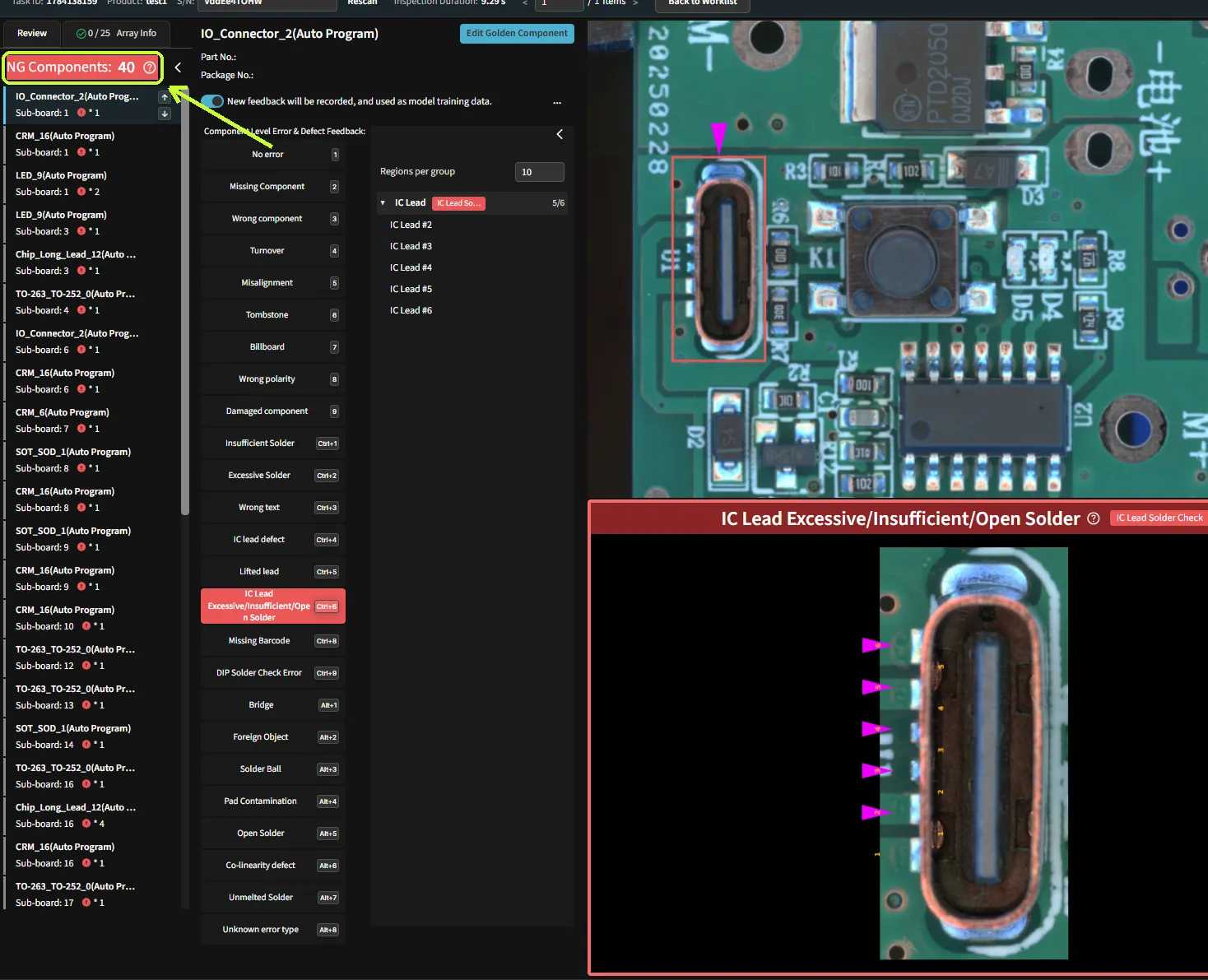
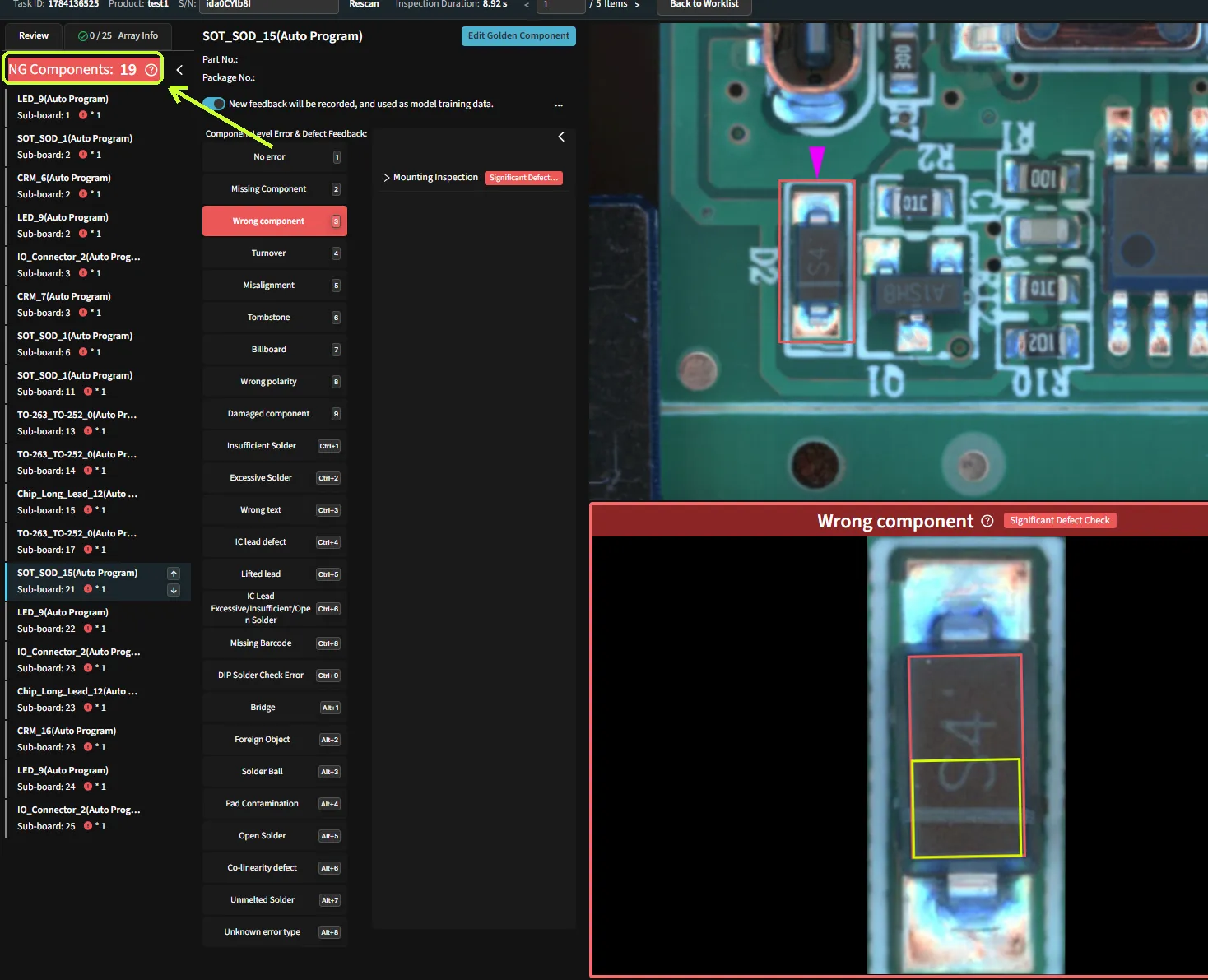
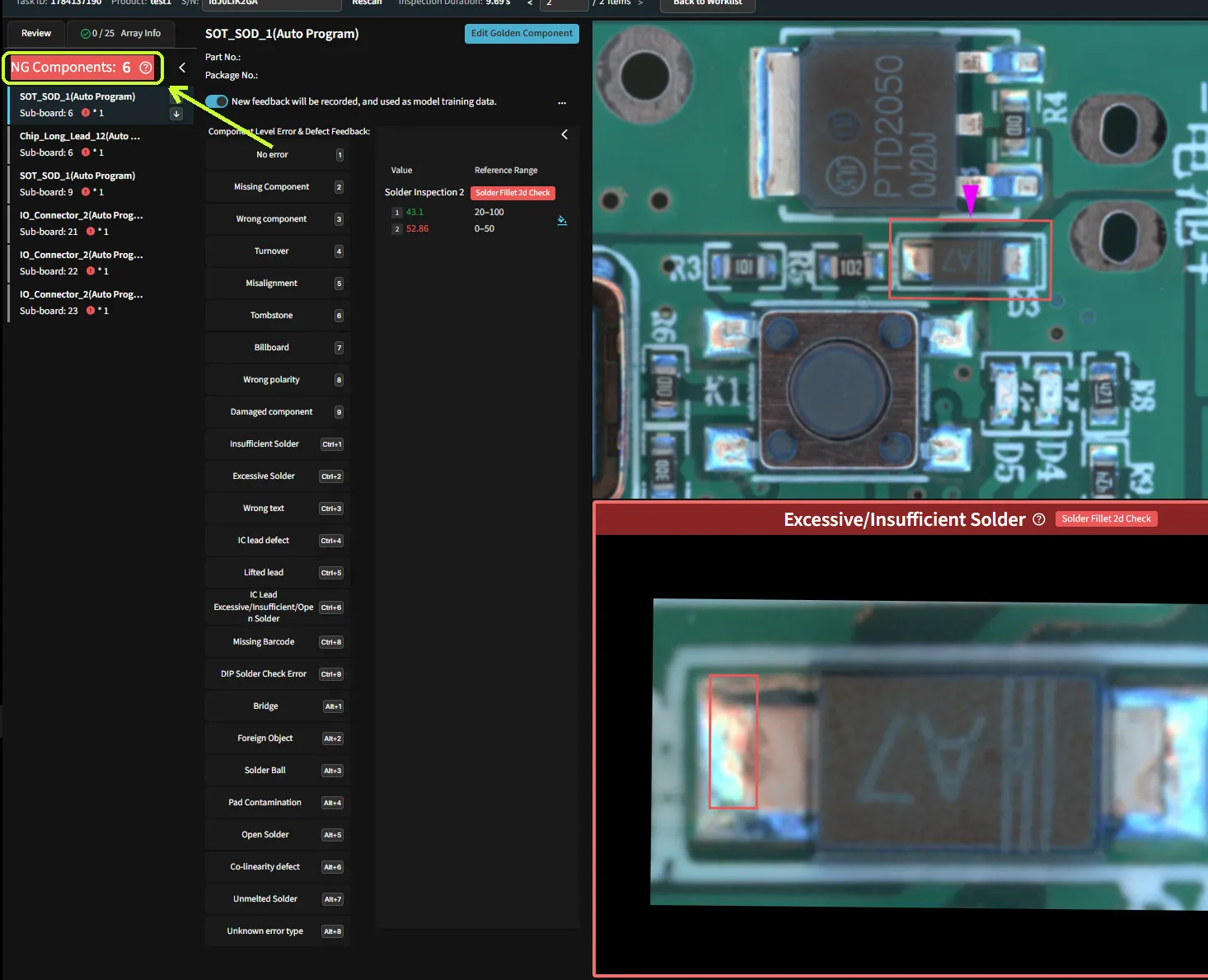
This demo shows 40, 19 and 6 alerts across three inspections, with feedback and adjustments between runs. Counts shown are alerts, not confirmed defects.
Your data stays in your facilities.
No internet, no cloud, no account Train locally on the DaoAI ACI machine, without an internet connection, cloud service or online account.
Your images stay local Collect, label and train on your images locally. No image upload is required.
The model is trained and runs locally Your team trains the model on your own production images inside DaoAI ACI. Your sample images and inspection results are never used to train any third-party model.
Train separately from production Collect and label images in DaoAI ACI, train on a separate machine, then transfer the finished model to your production machine.
Add to your existing inspections Your custom model adds a check to selected inspection regions. Existing inspection checks continue to run.
Update or replace your model Disable the model for a group, retrain it with more examples or replace it with a newer version.
Show us the defect you need to inspect.
Join a DaoAI engineer for a 30-minute demo. Bring sample images, and we’ll walk you through labelling and model training.
If an existing inspection produces false calls, you may not need a separate custom model. Submit feedback and run AI Update to improve the existing model.
Send us a board and we will tell you which machine it needs.